VISIONS 3.40
Beginning in 2002, Ron Groenke started developing a computer program to assist with his trading decisions. When he wrote his first book, The Money Tree, elements of the current program were made available. With each successive book, the computer program, VISIONS, grew in capabilities and functions. Now, in 2016 Ron has issued the latest update, VISIONS V3.40.
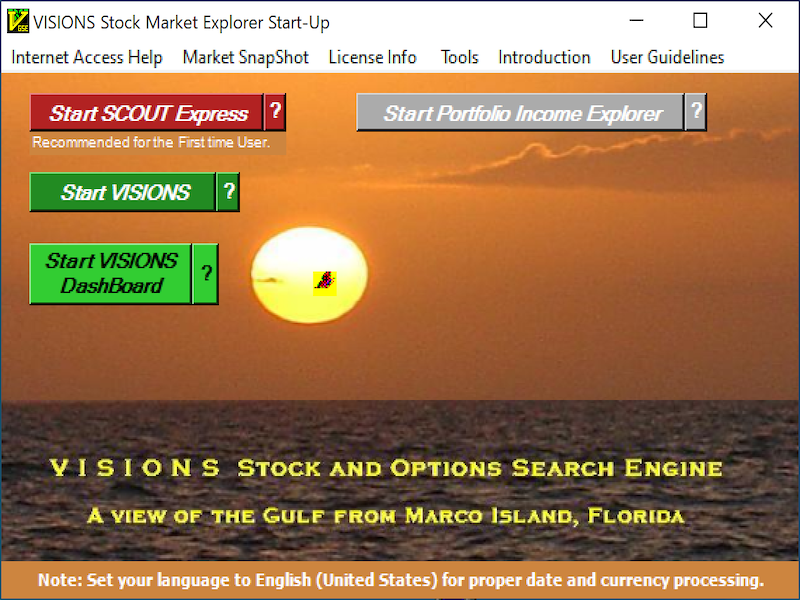
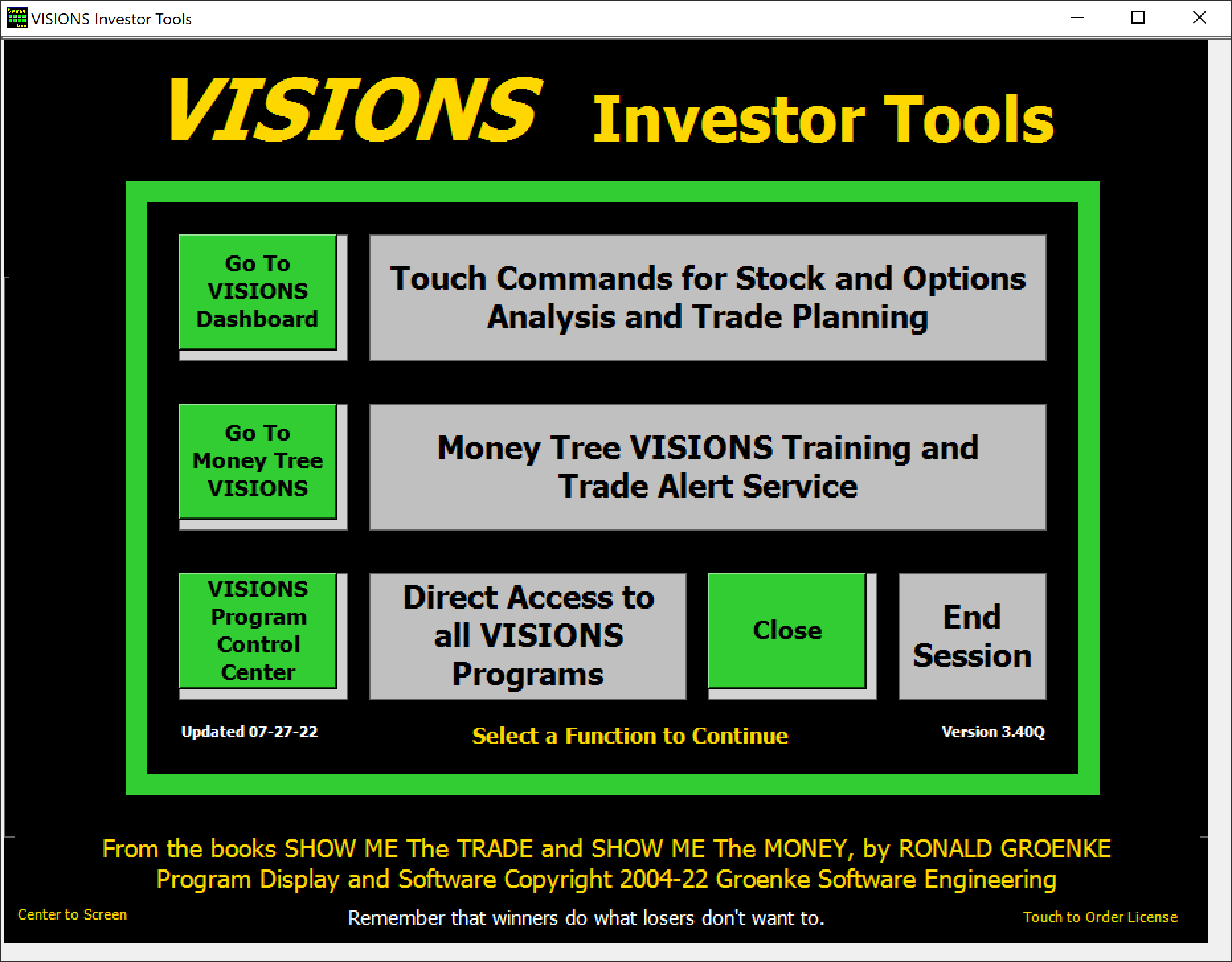
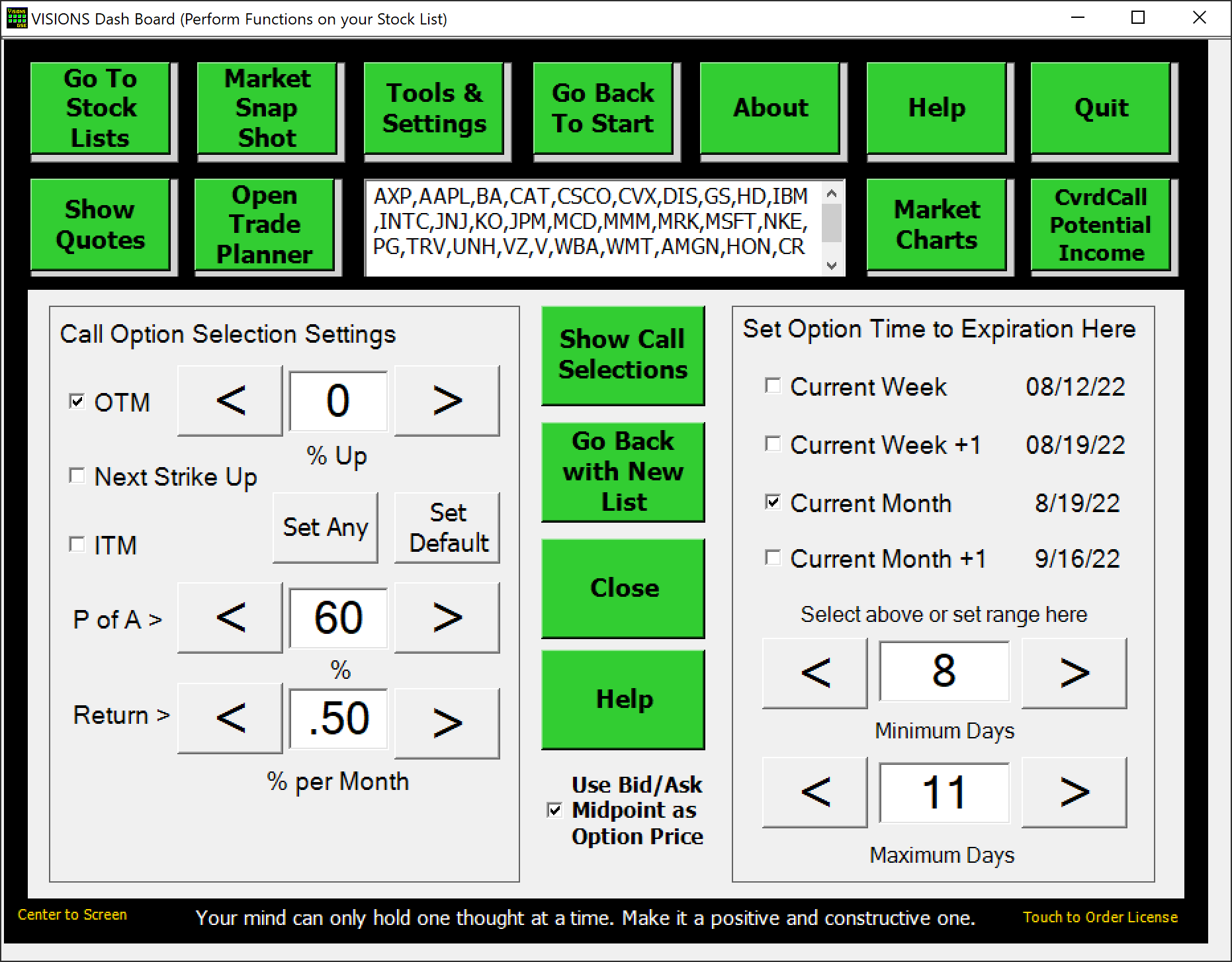
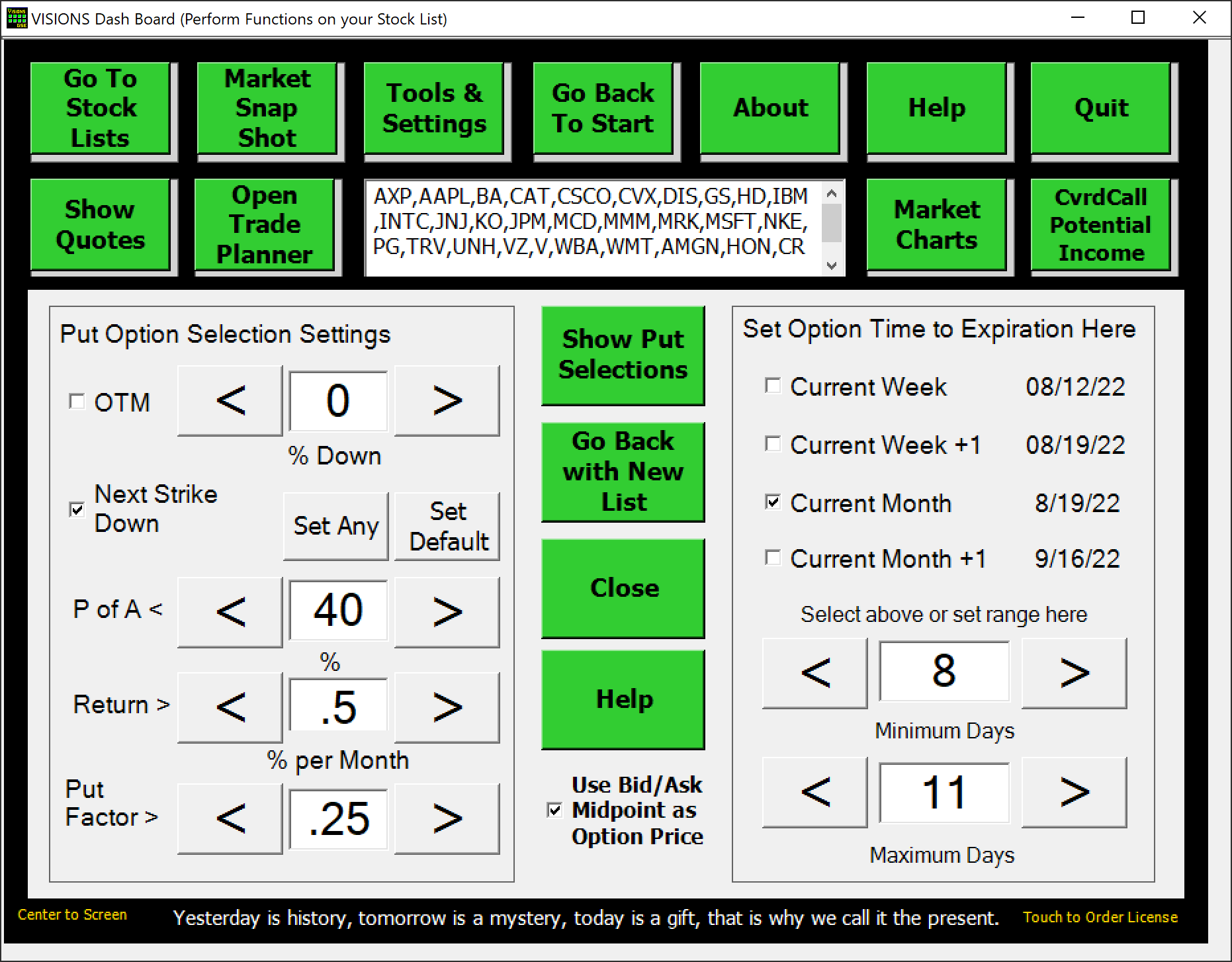
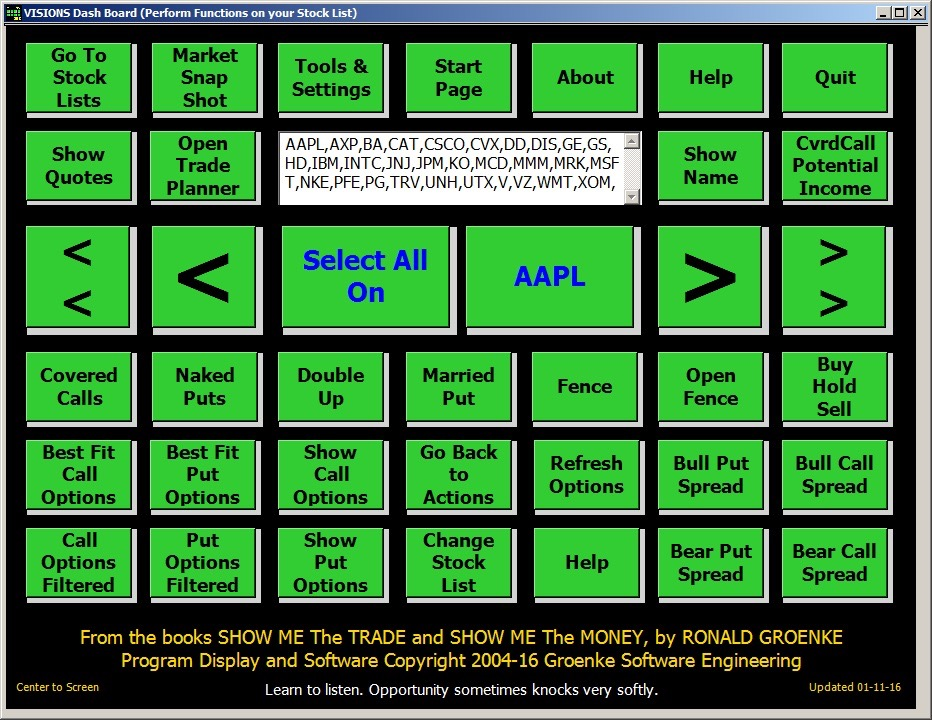
VISIONS V3.40 has all the past VISIONS capabilities plus a new Dashboard geared to the new Windows 10 touch environment. The classic version of VISIONS is accessible using the Start VISIONS green button. The new interface is accessible using the Start VISIONS Dashboard. With the Dashboard, you get the ease of use provided by the touchscreen technology. You can literally just touch your way into finding great covered call and naked put opportunities.
VISIONS V3.40 eliminates the drudgery of looking for the financial information for the companies that you might want to add to your prospect list. Some of the features include:
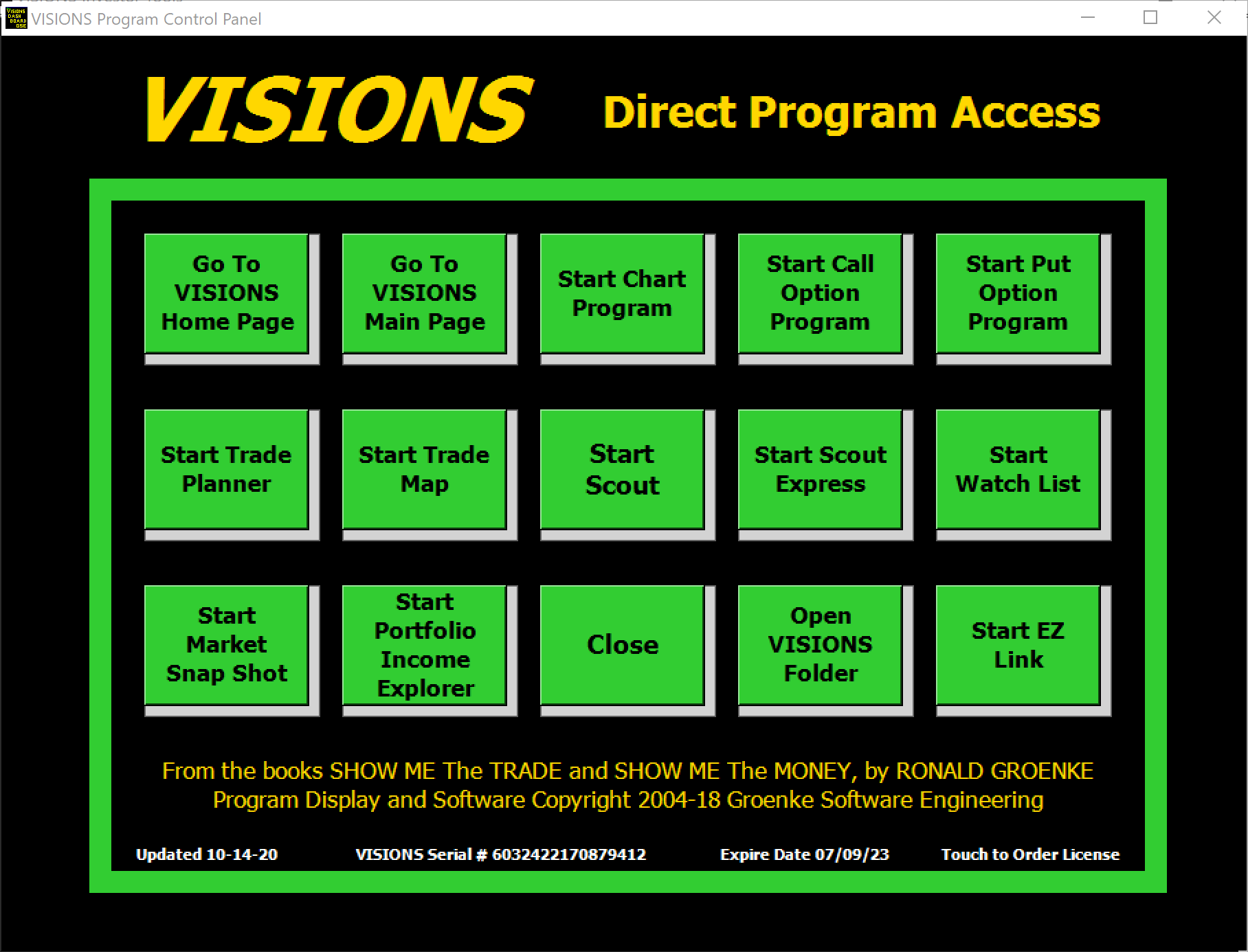
DIRECT PROGRAM ACCESS
To help the long-time VISIONS user, there is the ability to directly access the familiar VISIONS modules and features. This interface is provided to have some backward capability for those users which have learned the V3.30 program and are not looking to upgrade. It also can be used to help the Windows 7 and Windows 8 users that are seeking the old interface. However, just because you don’t have the Windows 10 touchscreen devices, you can still use the the new interface with older Windows operating system – with your mouse in a point and click manner.
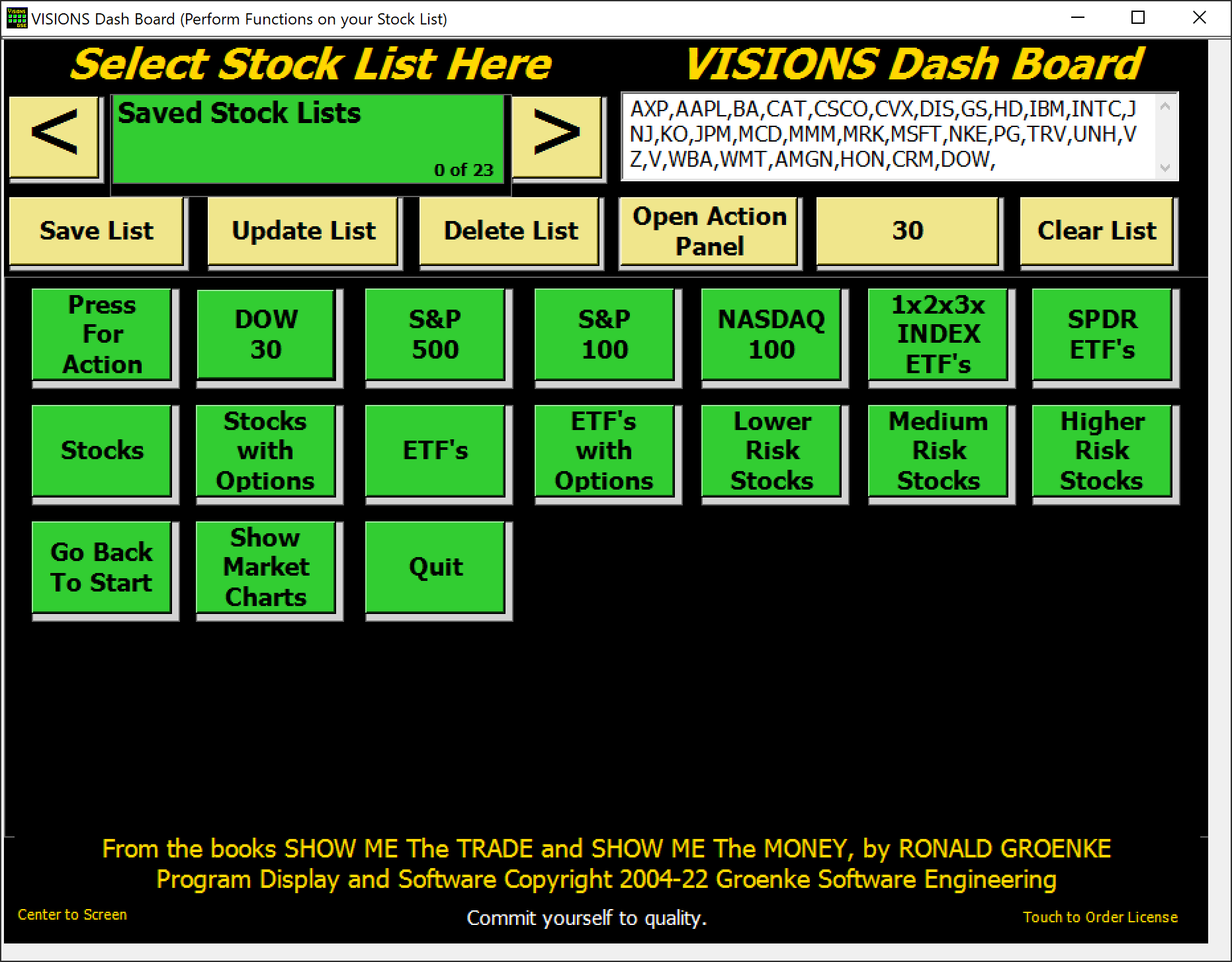
SELECT STOCK LIST
With VISIONS you can select a predefined index list of stock or ETFs to begin your search for good investing opportunities. The Stock List panel is part of the VISIONS Dash Board, the main interface tool. If you don’t want to use one of the predefined lists, you can create and save your own list of favorite equities.